Accessible Document Systems
I specialize in accessibility remediation for high-stakes legal documents — ensuring complex forms work as well for screen reader users as they do on the page. My work is rooted in structure, logical reading order, and precise language that holds up under legal scrutiny.
Role: Accessibility Designer
Client: Michigan Supreme Court

Designing for accessibility ensures content is usable for individuals relying on assistive technologies such as screen readers and braille displays.
Accessible Document Systems
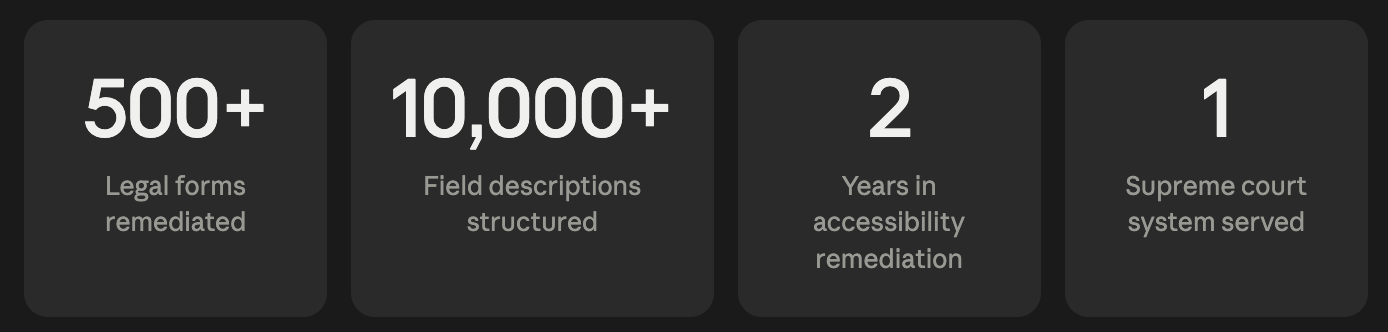
Over two years, I partnered on the remediation of 500+ legal forms for a local supreme court — one of the most demanding accessibility contexts there is. Each form required individually crafted field descriptions, logical reading order mapping, and clear labeling that preserved legal language without creating confusion for assistive technology users. At an average of 15–30 fields per form, that's upward of 10,000 field-level decisions made with both compliance and human clarity in mind.
Accessibility Remediation Process
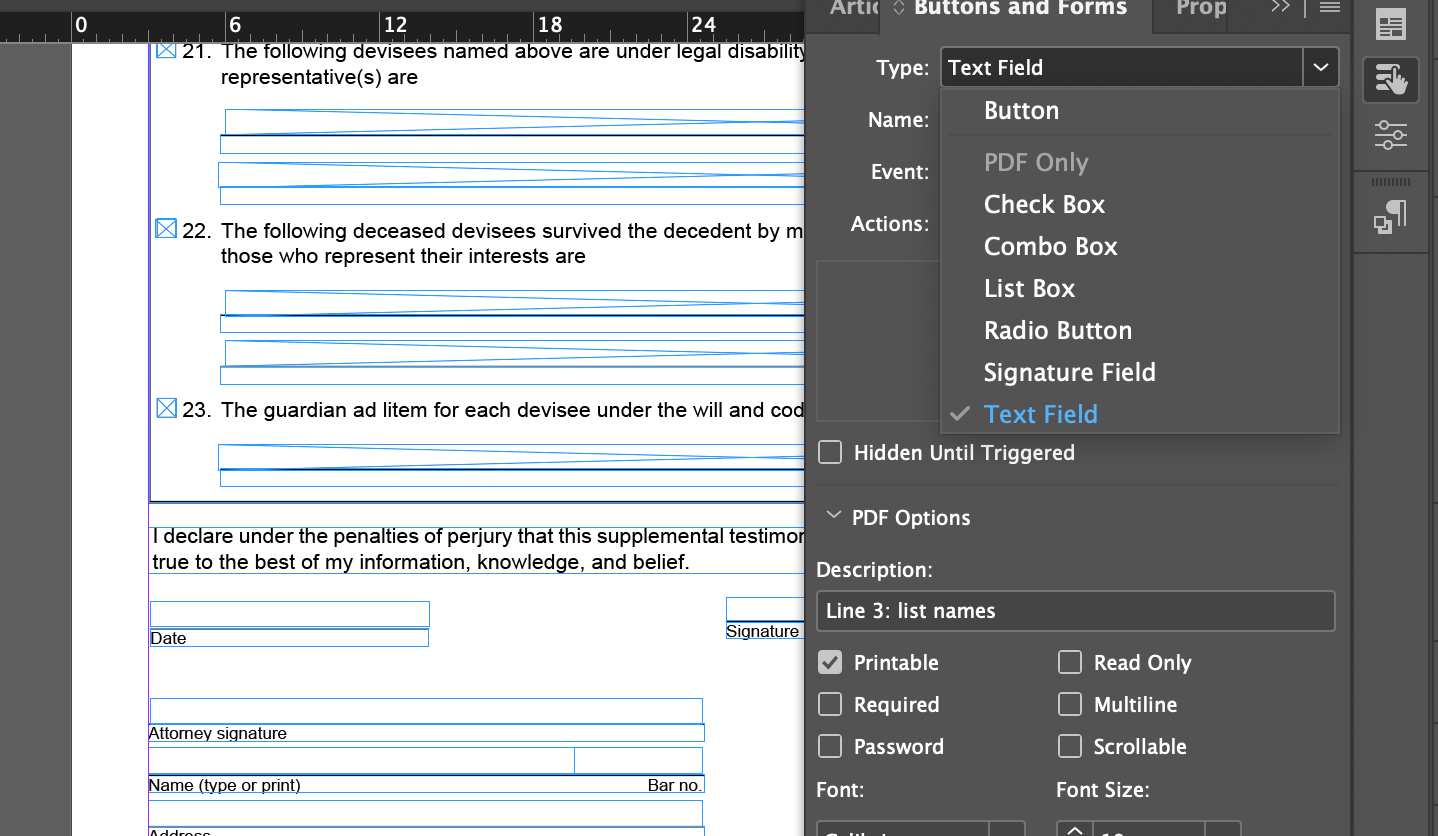
Structured Form Fields
Uses clear naming and descriptions to support usability without distorting legal language.
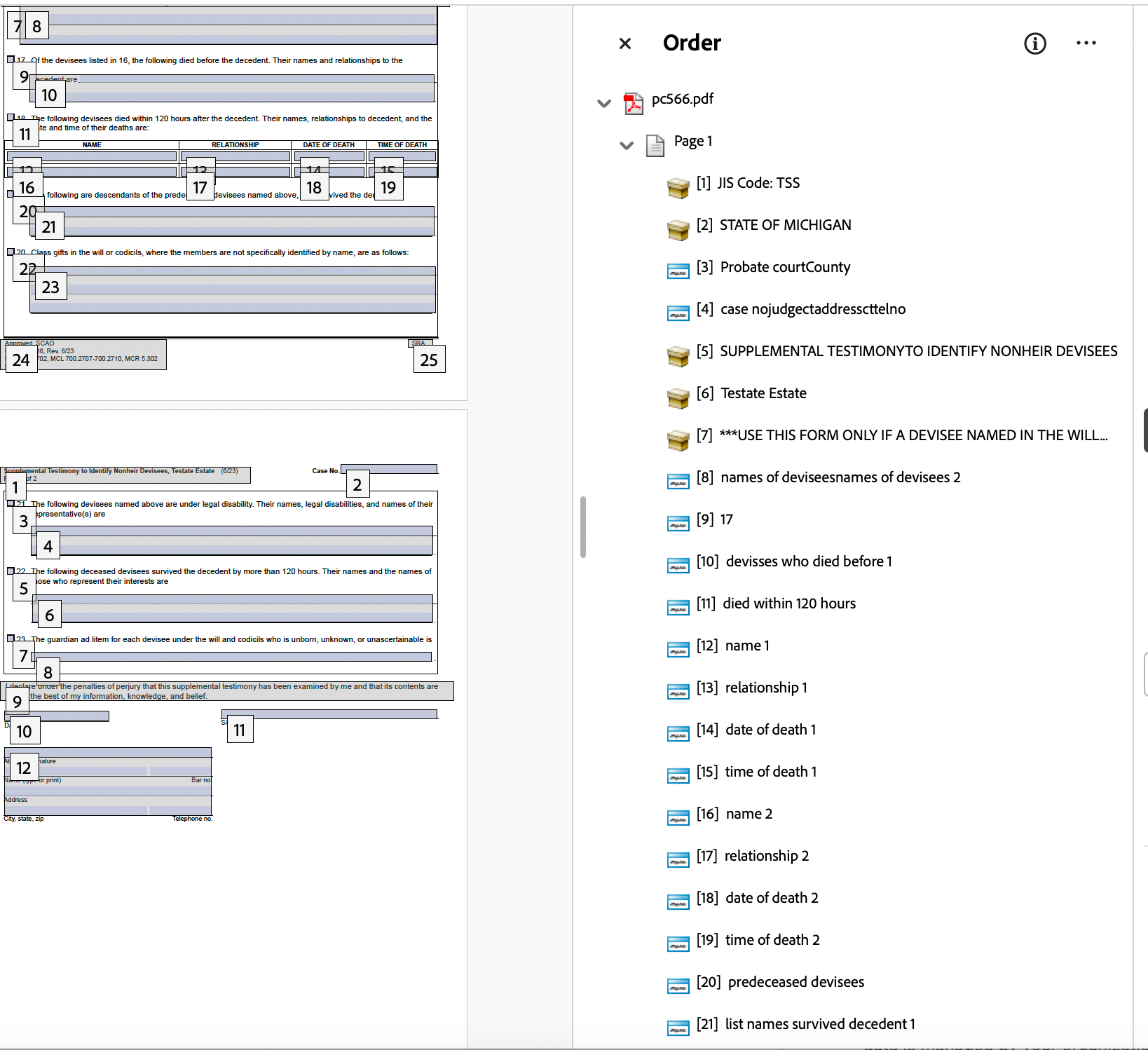
Logical Reading Order
Defines the flow of information so assistive technologies navigate content in the correct sequence.
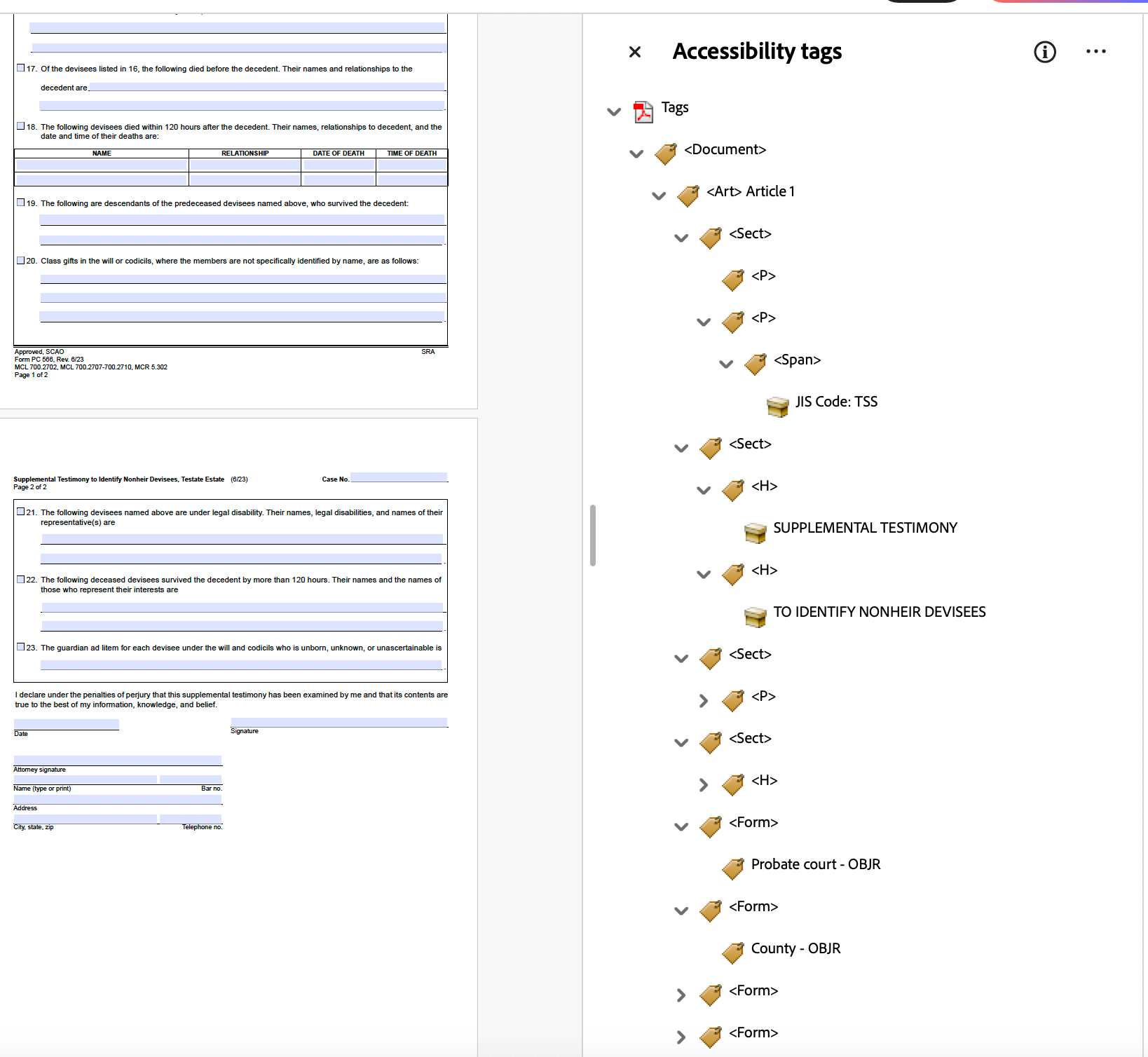
Tagging and Document Structure
Ensures every element is correctly interpreted by screen readers, including grouped fields and multi-part questions.
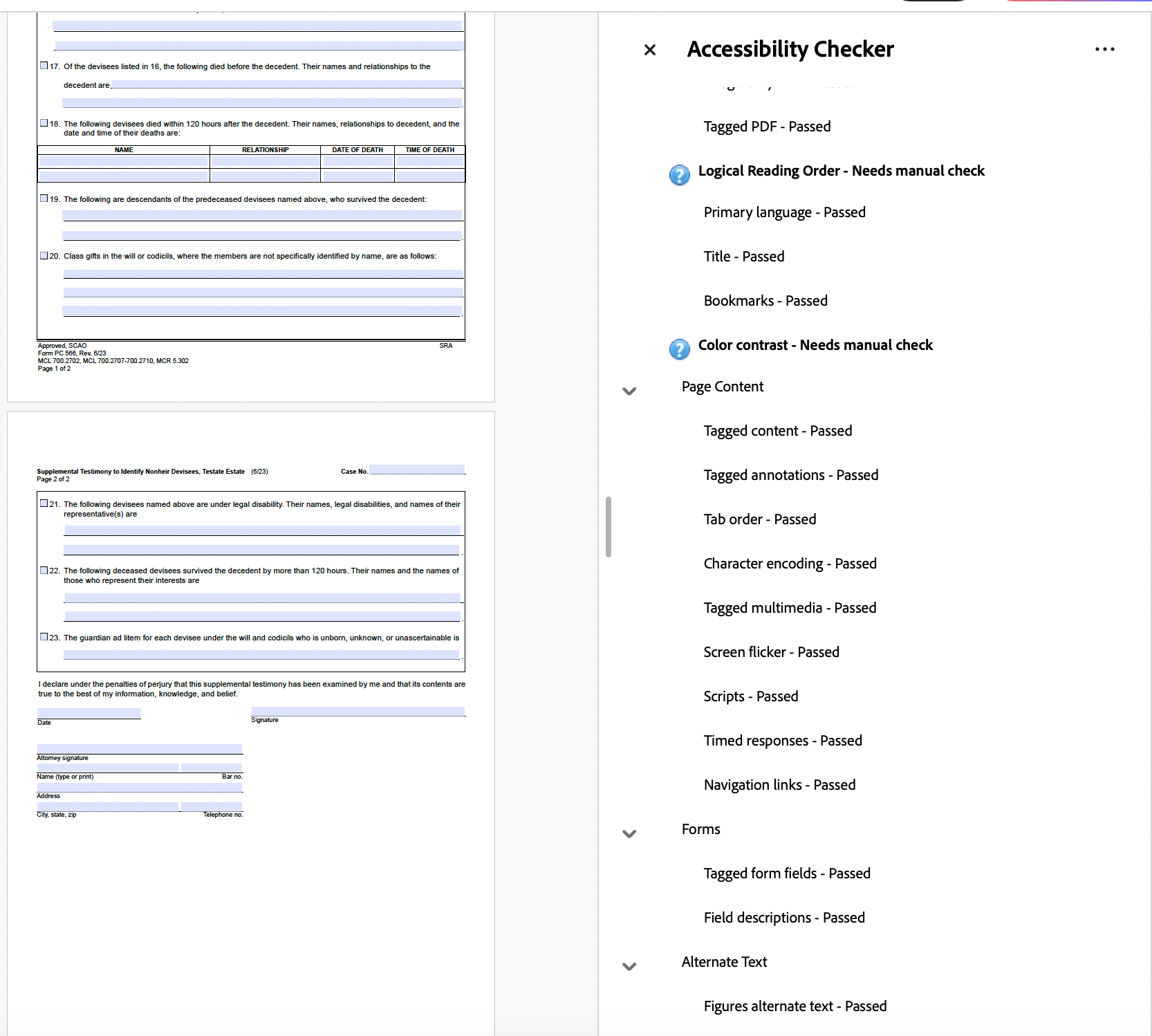
Accessibility Check
Verifies compliance and identifies usability issues before the document is finalized.
Why It Matters
Legal documents are among the highest-stakes materials a person will ever interact with — and for screen reader users, a poorly structured form isn't just frustrating, it can be functionally inaccessible. Getting field order wrong, using ambiguous labels, or ignoring how assistive technology reads grouped content can make a legal form unusable. This work exists at the intersection of precision, language, and design — and it matters every time someone needs to navigate a court system independently.

Accessible Design in Practice
Accessibility is not only about remediation—it begins at the design stage. These examples demonstrate how visual decisions such as color contrast, typography, and layout contribute to usability and inclusivity from the start.
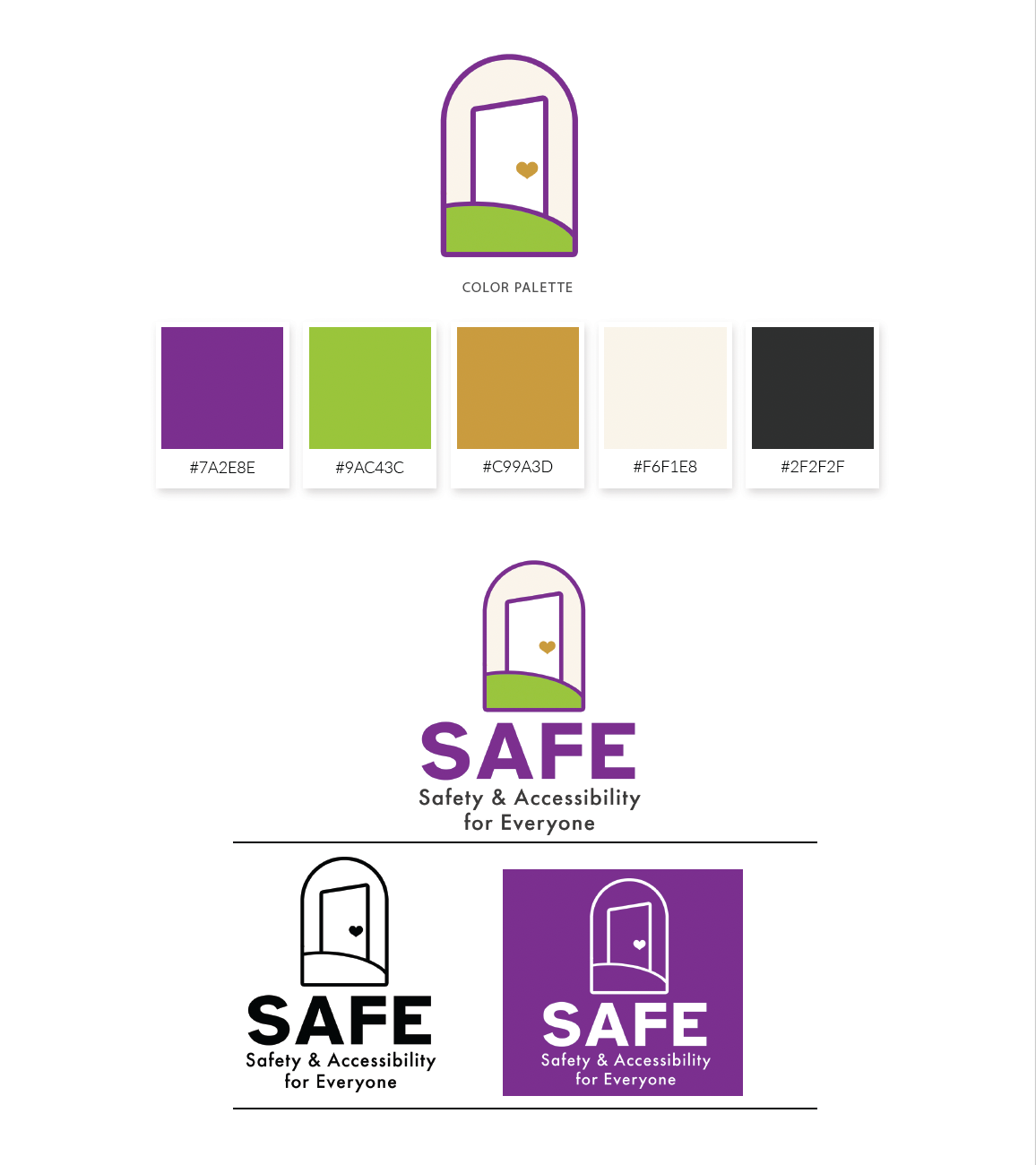
Color & Contrast Considerations
SAFE’s color palette was intentionally developed using WCAG 2.1 contrast standards to ensure readability across both print and digital applications. The system balances warmth and advocacy with technical accessibility requirements, supporting inclusive communication and reducing visual strain for a wide range of users.
Typography & Clarity
Typography was intentionally selected to support accessibility, clarity, and visual hierarchy. Font styles, weights, and spacing were carefully applied to improve scanability, reduce cognitive load, and maintain consistent readability across both print and digital applications.

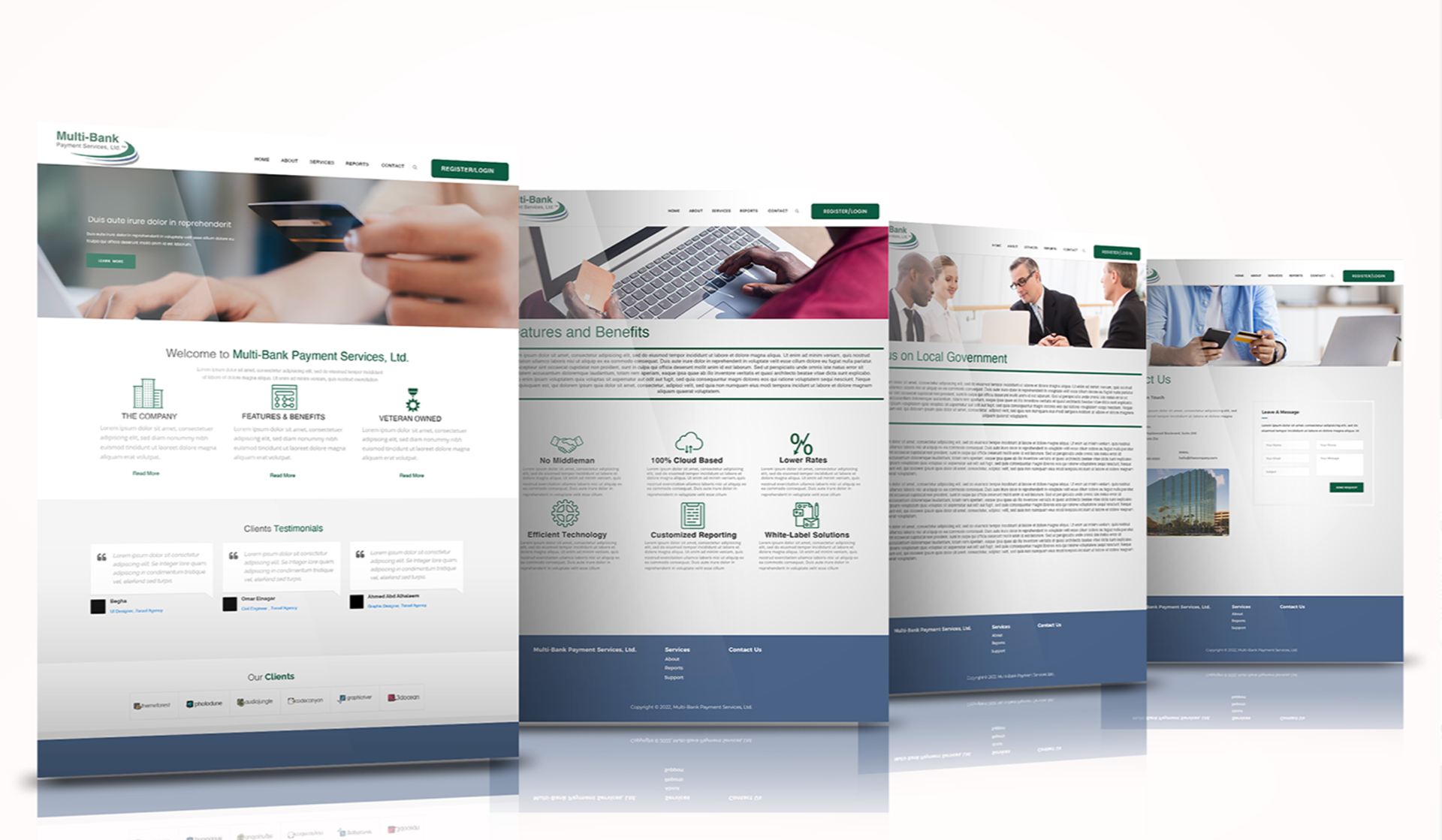
Color & Contrast in UI
Applied WCAG contrast guidelines to ensure text and interface elements remain legible across devices and lighting conditions.
Typography for Digital Readability
Selected and structured type to support hierarchy, scanability, and consistent readability across screen sizes.
Layout & Navigation
Organized content using clear hierarchy and spacing to guide users efficiently through key information and interactions.